
How Can We Help?
01-Creating your first course
Follow these steps to create a course
Login to your wizcabin account
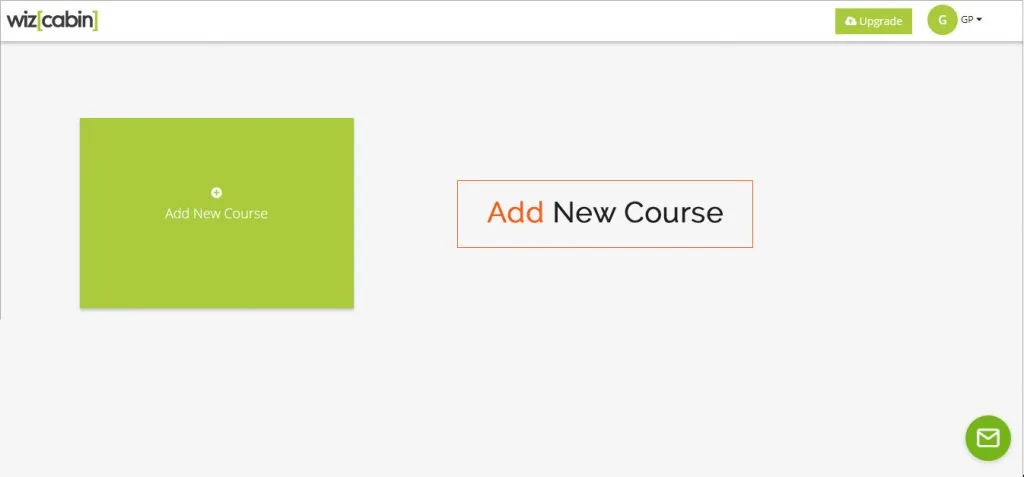
Start creating your course by clicking on Add new Course
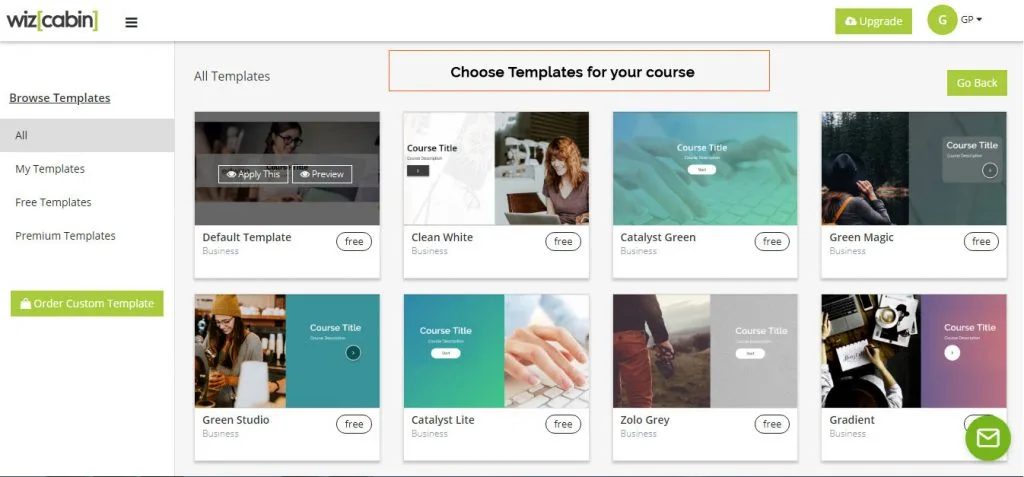
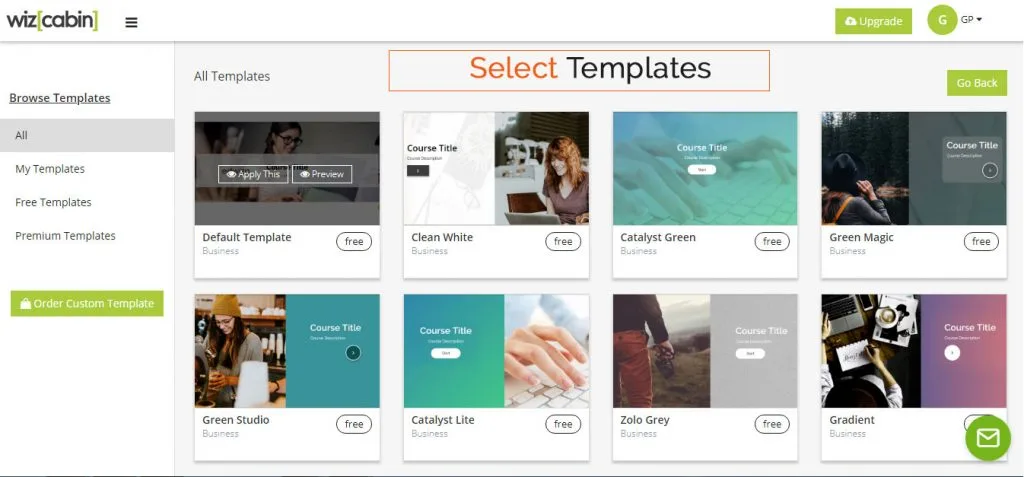
Select templates
The chosen template can be changed by clicking on Change Template
You are done and ready to start the course